Nov 8, 2026
Vahan Gevorgyan

A Guide to Adding a Blog to Your Website
A website is more than a place to display your business information, services, and products. It's also an opportunity to share knowledge, answer questions, and attract potential customers.
One of the best ways to do this is by adding a blog.
Whether you run a small business, manage an online store, or offer professional services, a blog can help your website become a valuable source of information for your audience.
But how do you actually add one to a website you've already built? Let's take a look.
Why Should You Add a Blog to Your Website?
Before getting into the technical details, it's worth understanding what a blog can do for your business.
1. Improve Your Search Engine Visibility
Search engines like Google use website content to understand what your business offers and which topics your website is relevant to.
Publishing useful articles gives your website more opportunities to appear in search results. For example, a dental clinic could publish articles about dental hygiene, common procedures, and oral health. These articles can help potential patients discover the clinic while searching for answers.
2. Attract More Potential Customers
Not everyone who visits your website is ready to purchase something immediately.
Some visitors are researching a service, comparing options, or looking for information before making a decision.
A blog allows you to reach these people earlier in their decision-making process by providing helpful information related to your business.
3. Build Trust and Credibility
People are more likely to trust businesses that demonstrate knowledge and expertise in their industry.
Publishing informative articles gives you an opportunity to share your experience, explain your services, and answer common customer questions.
Over time, this can help establish your business as a reliable source of information.
4. Give People More Reasons to Visit Your Website
Without regularly updated content, your website might remain relatively unchanged for months or even years.
A blog gives visitors something new to discover. You can publish industry updates, tutorials, company news, product guides, and other relevant content that encourages people to return.
What Does It Take to Add a Blog to Your Website?
Adding a blog involves more than simply creating a new page on your website. You'll need a way to create, organize, publish, and manage articles.
Here are the main components:
1. A Blog Layout
Your blog needs a page where visitors can browse published articles.
This typically includes:
Article titles and featured images.
Short descriptions or excerpts.
Publication dates.
Categories or tags.
Links to individual articles.
You'll also need an individual article layout where the full content is displayed.
2. A Content Management System
A content management system (CMS) allows you to create and manage blog posts without manually editing your website's code every time you publish something.
Depending on your setup, you might use a traditional CMS, a headless CMS, or a dedicated blog management platform.
3. Website Integration
Your blog should feel like a natural part of your existing website.
This means matching your website's design, navigation, typography, and overall branding.
Ideally, visitors shouldn't feel like they're leaving your website when they open an article.
4. SEO Configuration
Your articles should have the necessary information for search engines and social platforms to understand and display them correctly.
Important elements include:
SEO titles and meta descriptions.
Descriptive URLs.
Canonical URLs.
Open Graph metadata.
Structured data.
XML sitemap inclusion.
These elements help search engines understand your content, although they don't guarantee higher rankings.
Different Ways to Add a Blog to Your Website
There isn't one solution that works for every website. The right approach depends on your technical experience, website architecture, and publishing needs.
1. Build a Custom Blogging System
If you have development experience, you can build your own blogging functionality.
This gives you complete control over the editor, database, article layouts, and publishing workflow.
However, you'll also need to handle ongoing development, maintenance, and infrastructure.
2. Use a Headless CMS
A headless CMS separates content management from the frontend of your website.
You manage your articles through a separate interface and retrieve the content through an API.
This approach offers flexibility, particularly for developers building custom websites, but may require additional configuration and integration work.
3. Use a Dedicated Blog Management Platform
If your main goal is simply to add and manage a blog, a dedicated platform can make the process much easier.
Instead of developing your own publishing system, you use an existing editor and integration to manage your articles.
This can be a practical option for businesses that want to focus on creating content rather than maintaining additional infrastructure.
What Should You Publish on Your Business Blog?
Once your blog is ready, the next step is deciding what to write about.
The best starting point is to think about the questions your customers frequently ask.
Here are a few ideas:
Guides and tutorials: Explain how to do something related to your industry.
Frequently asked questions: Answer common questions about your products or services.
Industry updates: Share relevant news, developments, and trends.
Product and service guides: Explain your offerings and how they benefit customers.
Tips and recommendations: Share practical advice that your audience can use.
For example, an interior design business could publish articles about choosing furniture, organizing small spaces, selecting color palettes, and planning home renovations.
The goal is to create content that is genuinely useful to your audience.
Start Making More of Your Website
Your website shouldn't just tell people what your business does. It should give them reasons to discover your business, learn from you, and come back.
Adding a blog is a practical way to start doing that.
With the right setup, you can regularly publish useful content, improve your website's search visibility, and build stronger relationships with potential customers.
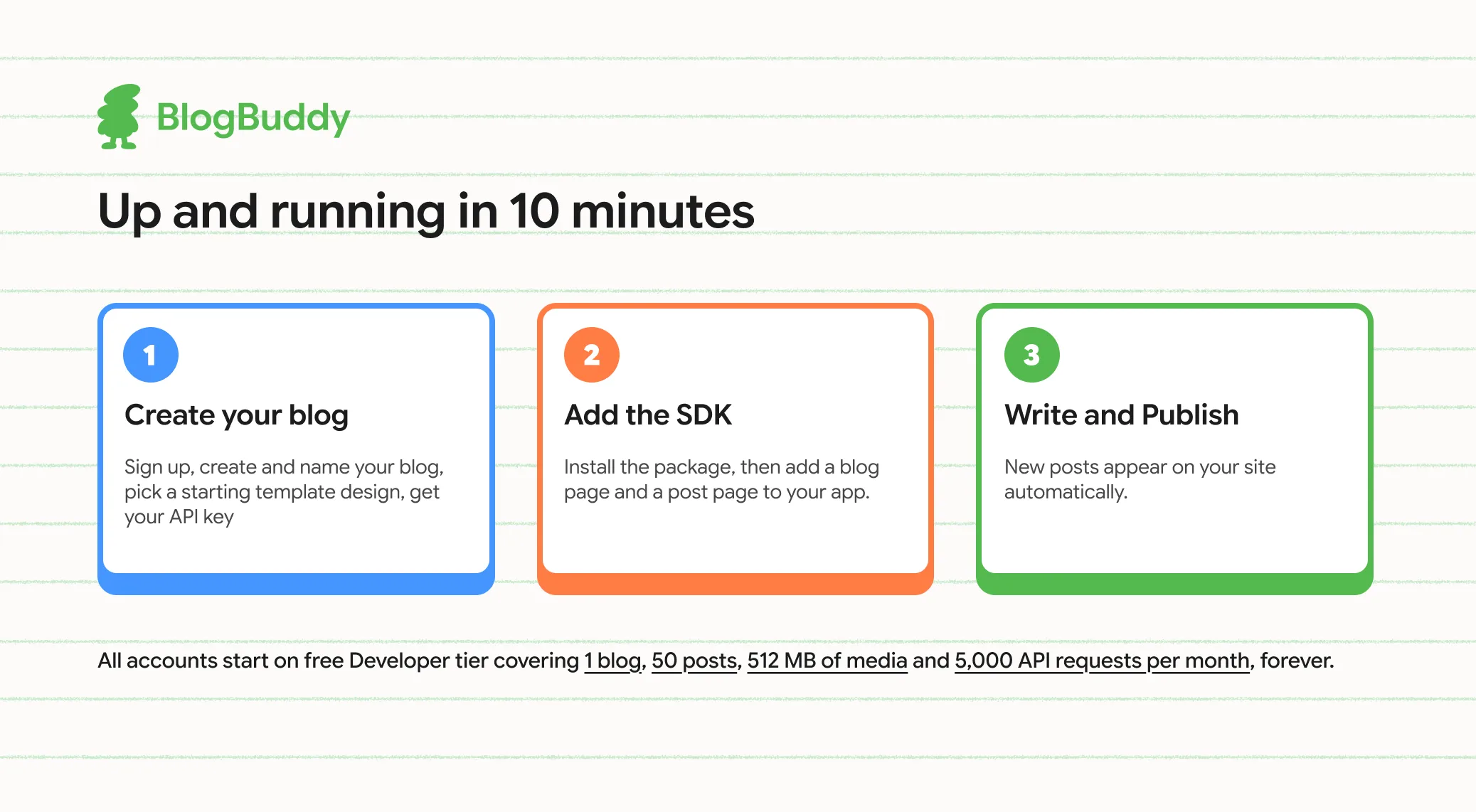
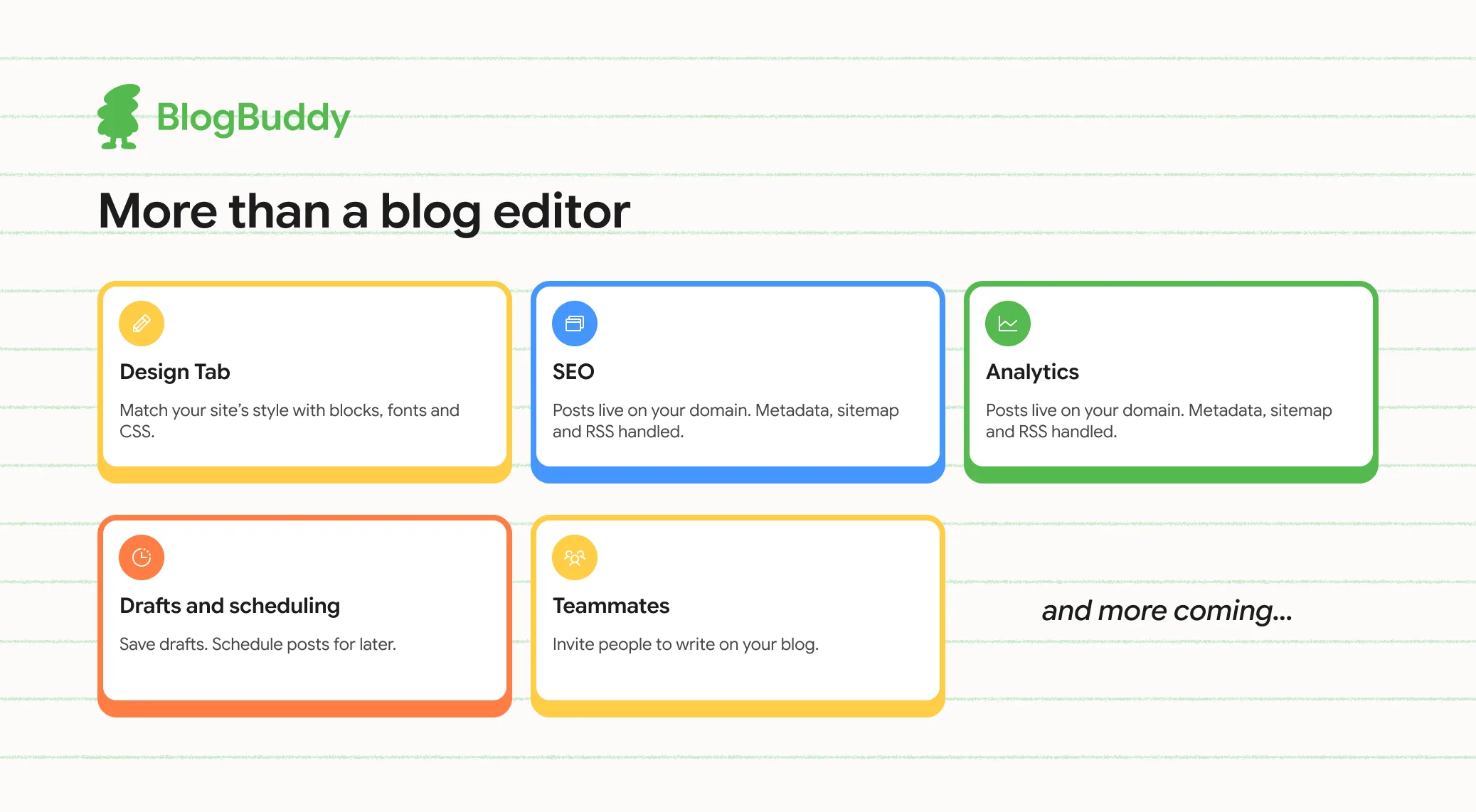
If you already have a website and want a simpler way to manage its blog, BlogBuddy helps you integrate, customize, and publish articles without having to build your own content management system.
Learn more at BlogBuddy.